


Seller Reports: Download as PDF

May 01, 2025
 63
63
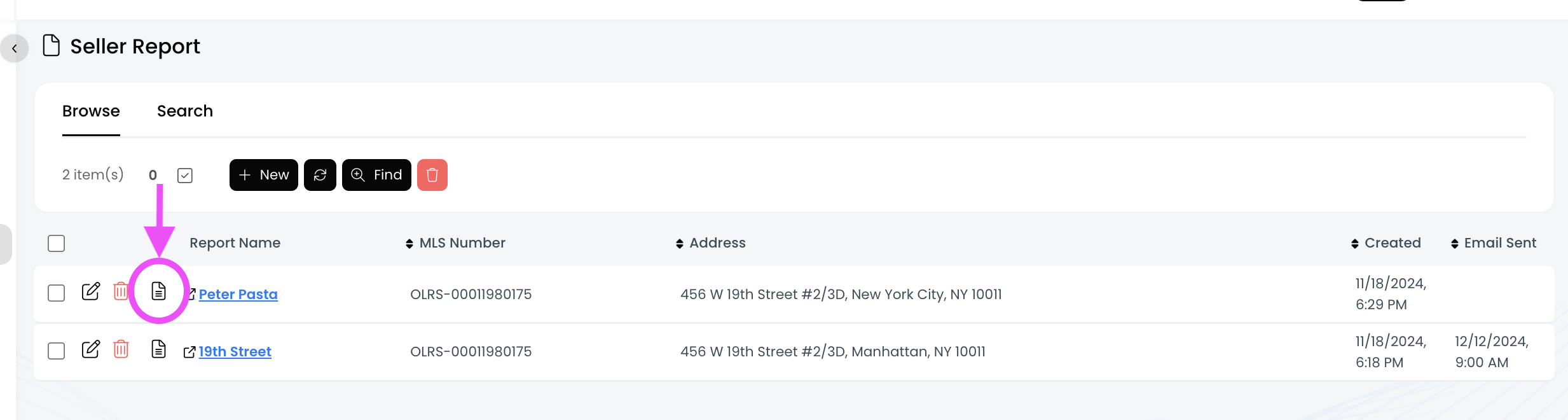
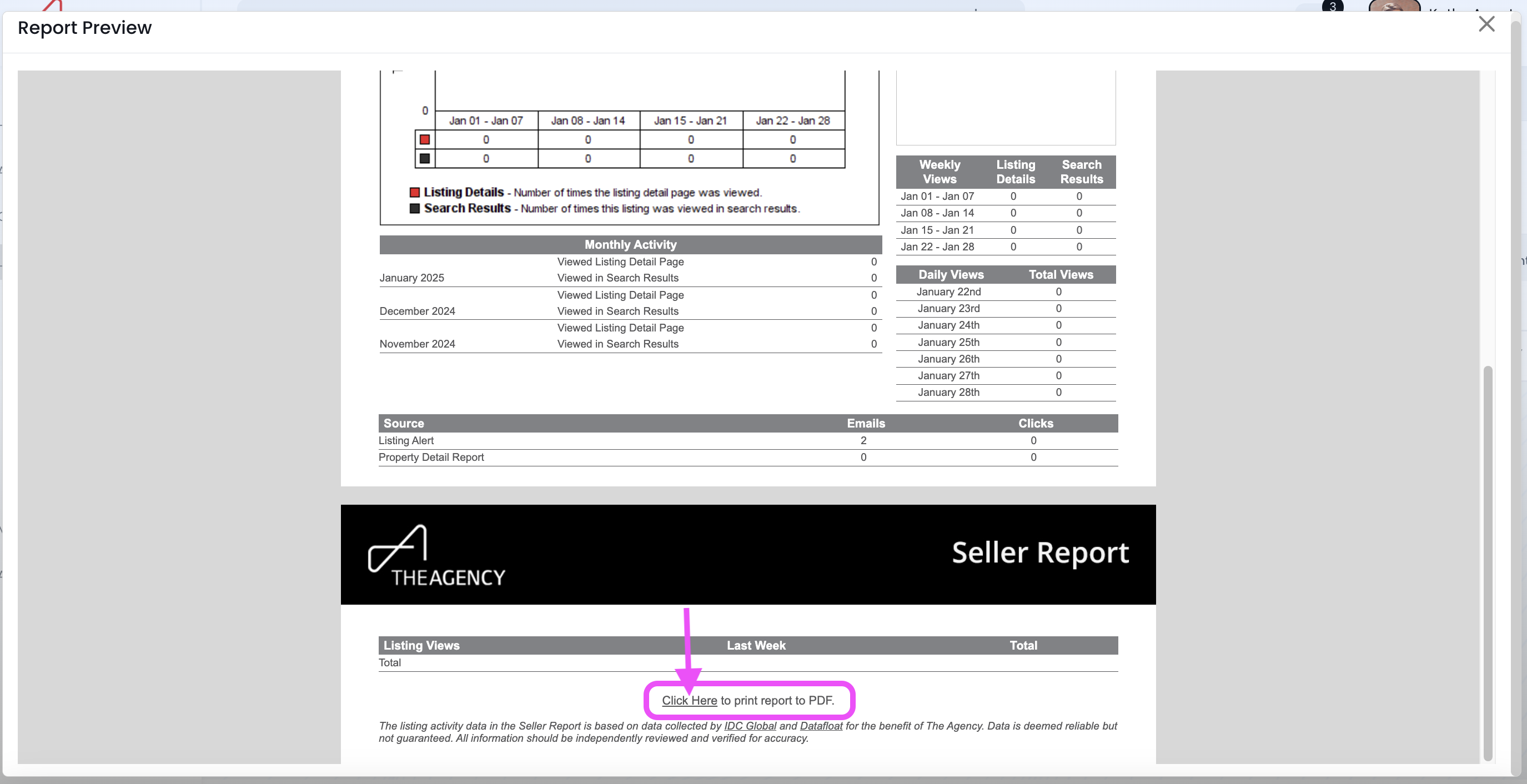
Click on the Report Preview icon to view the report, and then click on the "Click here" link at the bottom to save it as a PDF!
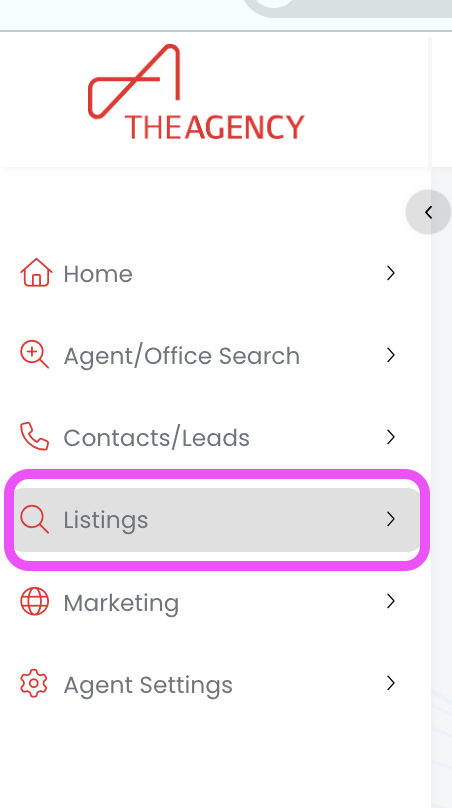
1.) Click on the Listings tab
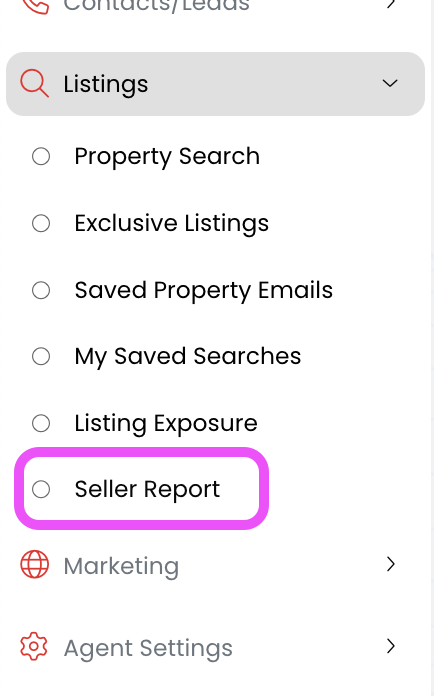
2.) Click on the Seller Report option
3.) Find the seller report you want to download and click on the Report Preview icon
4.) Scroll to the bottom of the page and click on the "click here" link
5.) Click on the download button
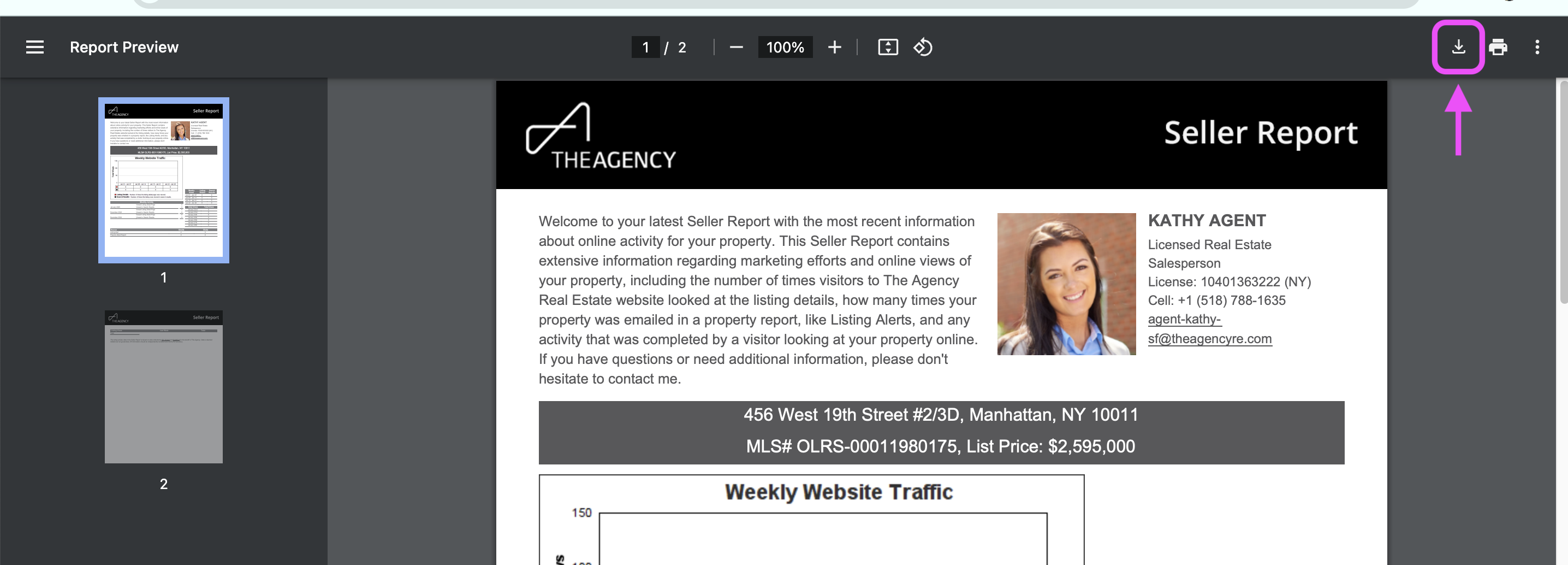
6.) Now this report has been saved as a PDF, and you can print it or attach it to an email!

