13
13
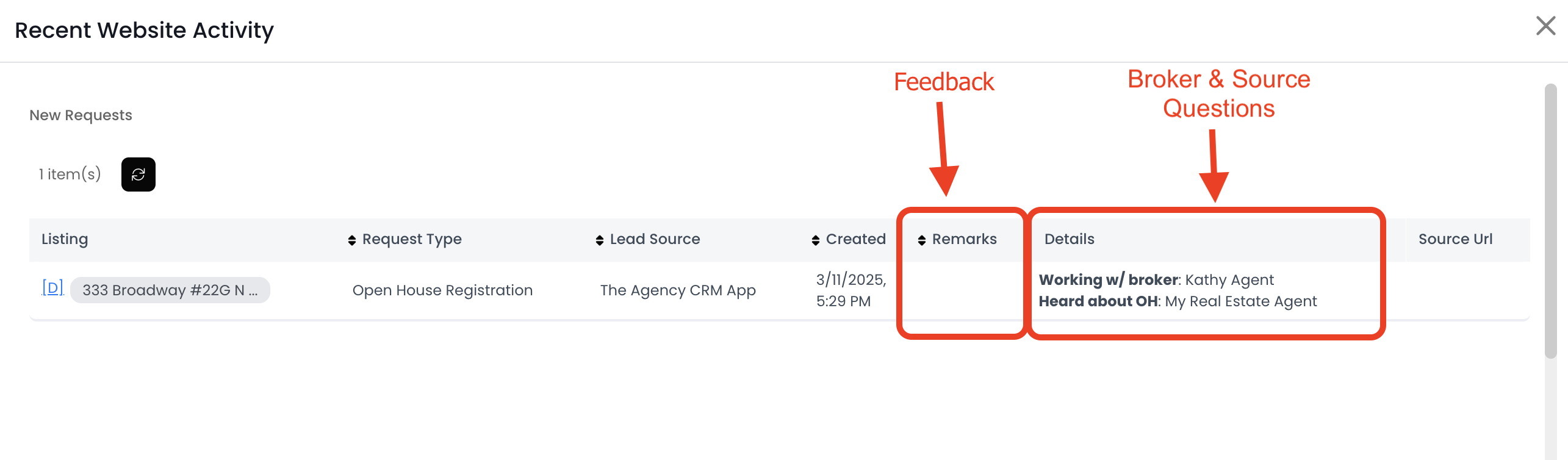
The Open House Registration form asks for the visitor's information and feedback, how they heard about the property, and if they're working with an agent. After the visitor submits a form, APT creates a contact with all the information from those questions.
To find this information:
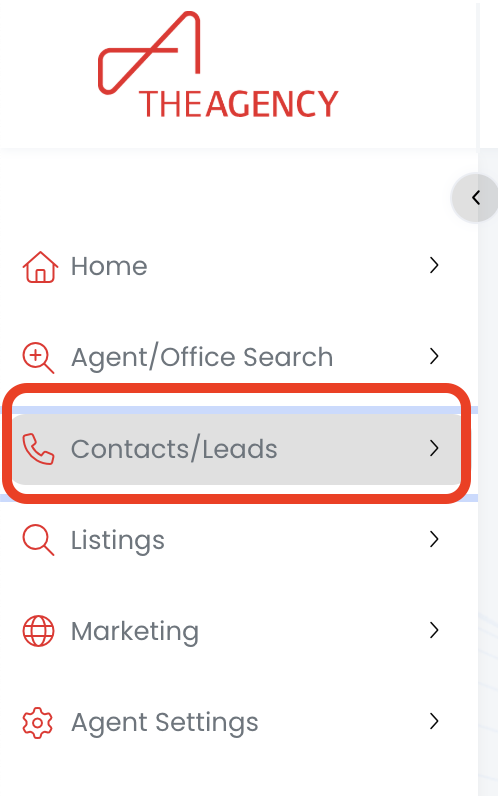
1.) Click on the Contacts/Leads menu
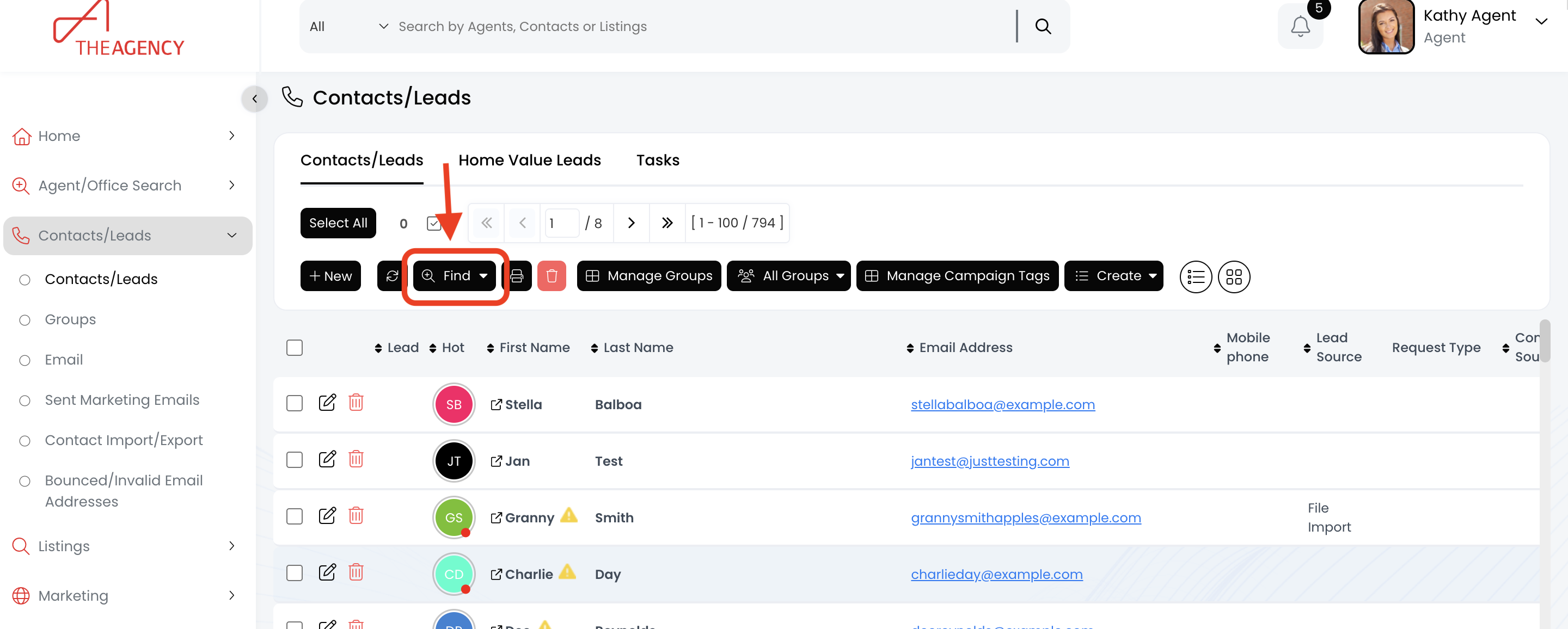
2.) Click on the Find button
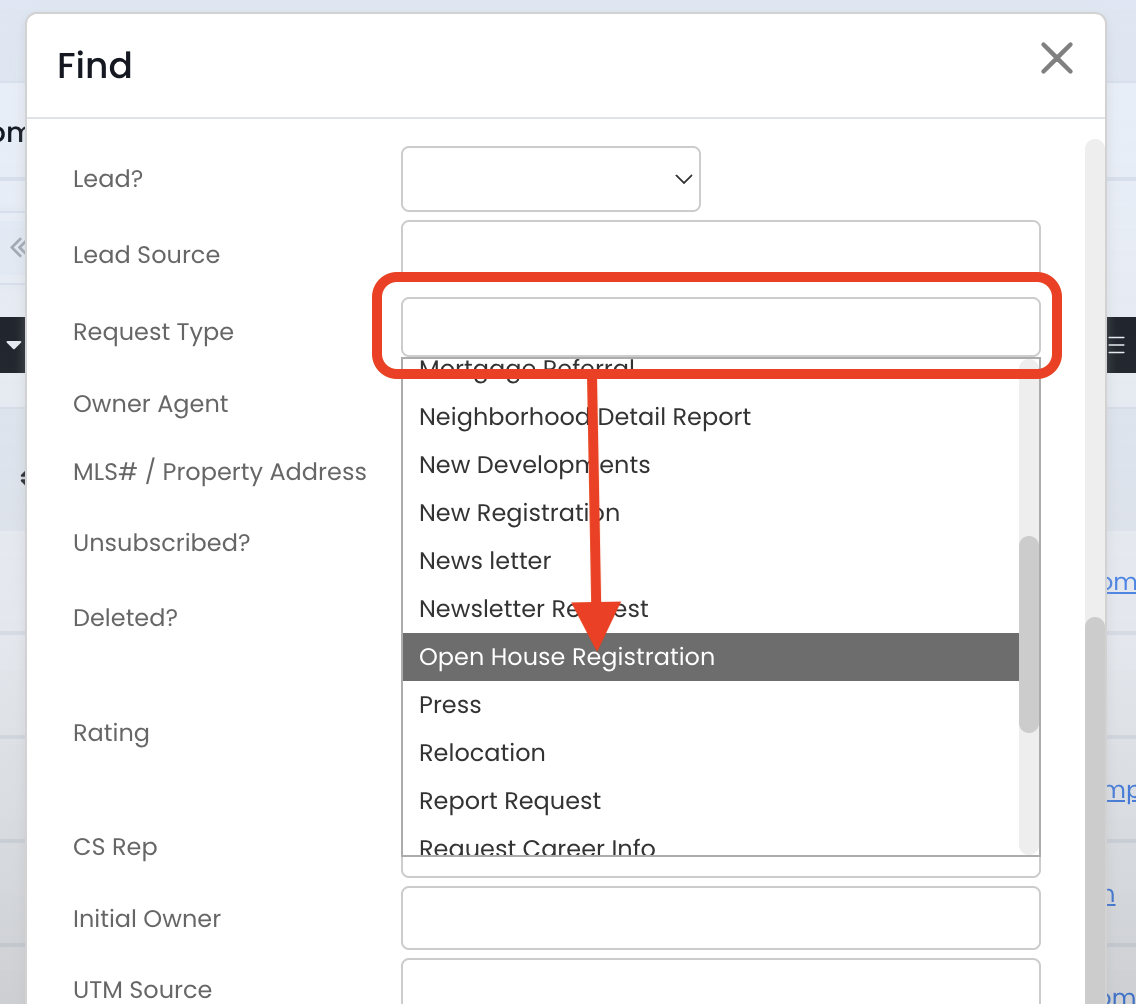
3.) Scroll down and click on the Request Type field. Then, click on the Open House Registration option
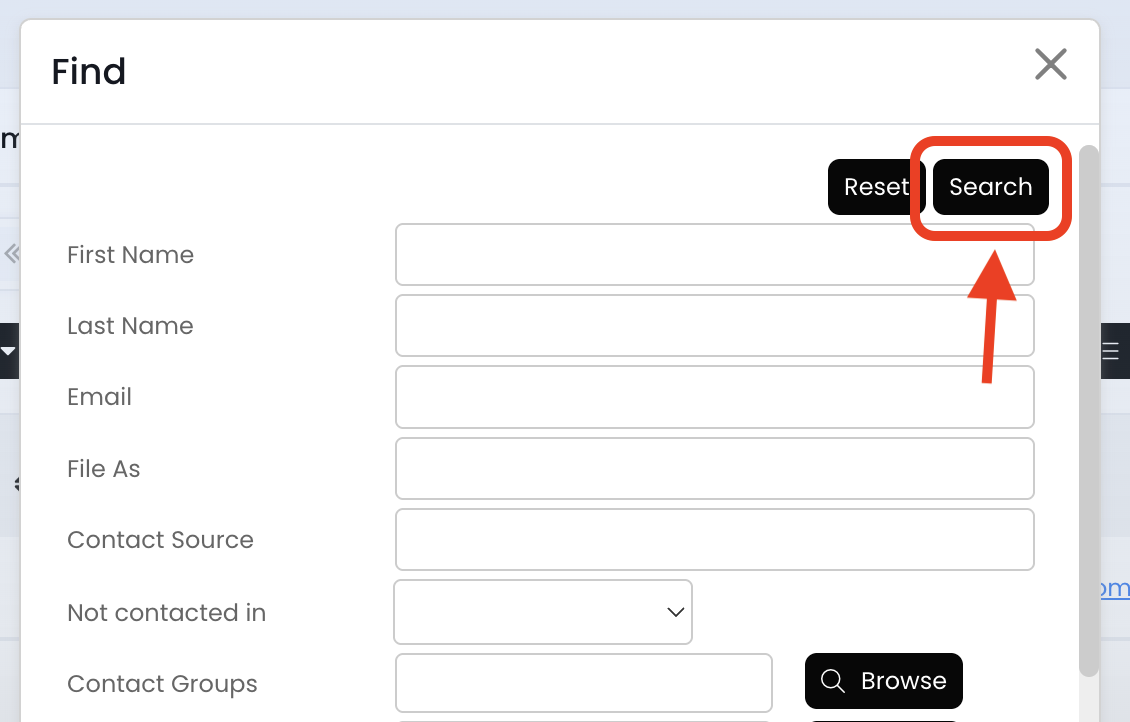
4.) Scroll up and click on the Search button
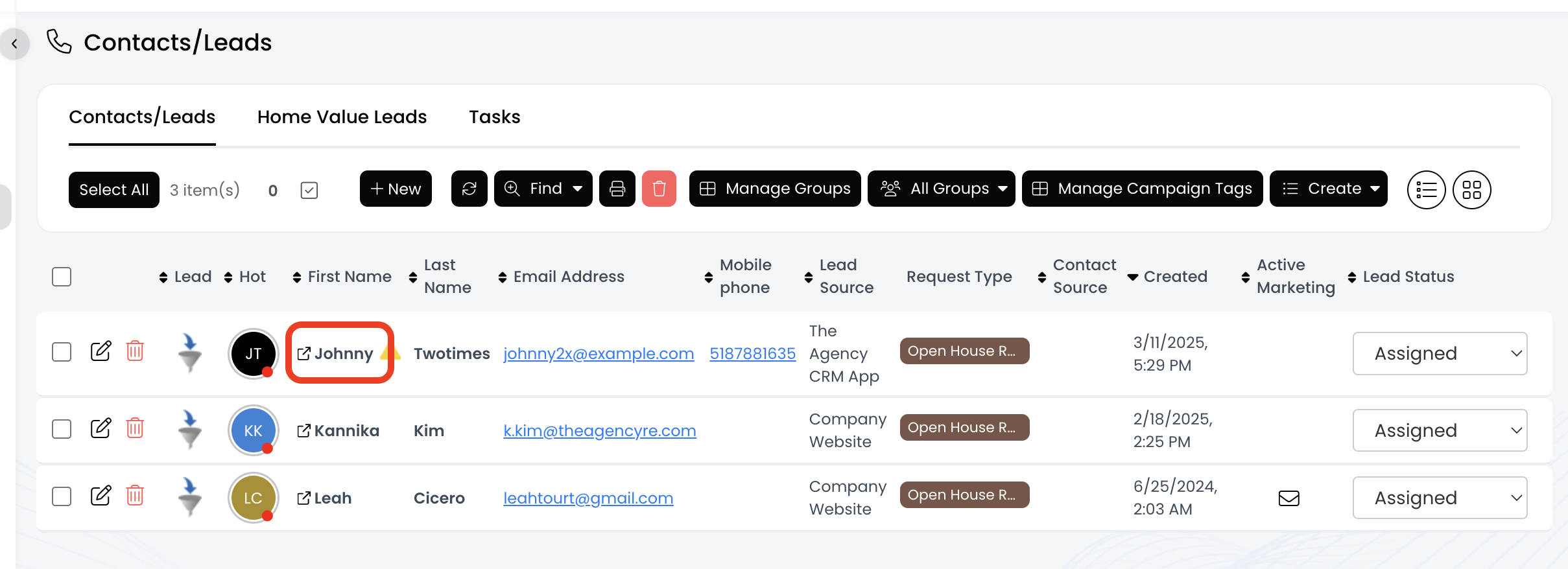
5.) Click on the contact's first name
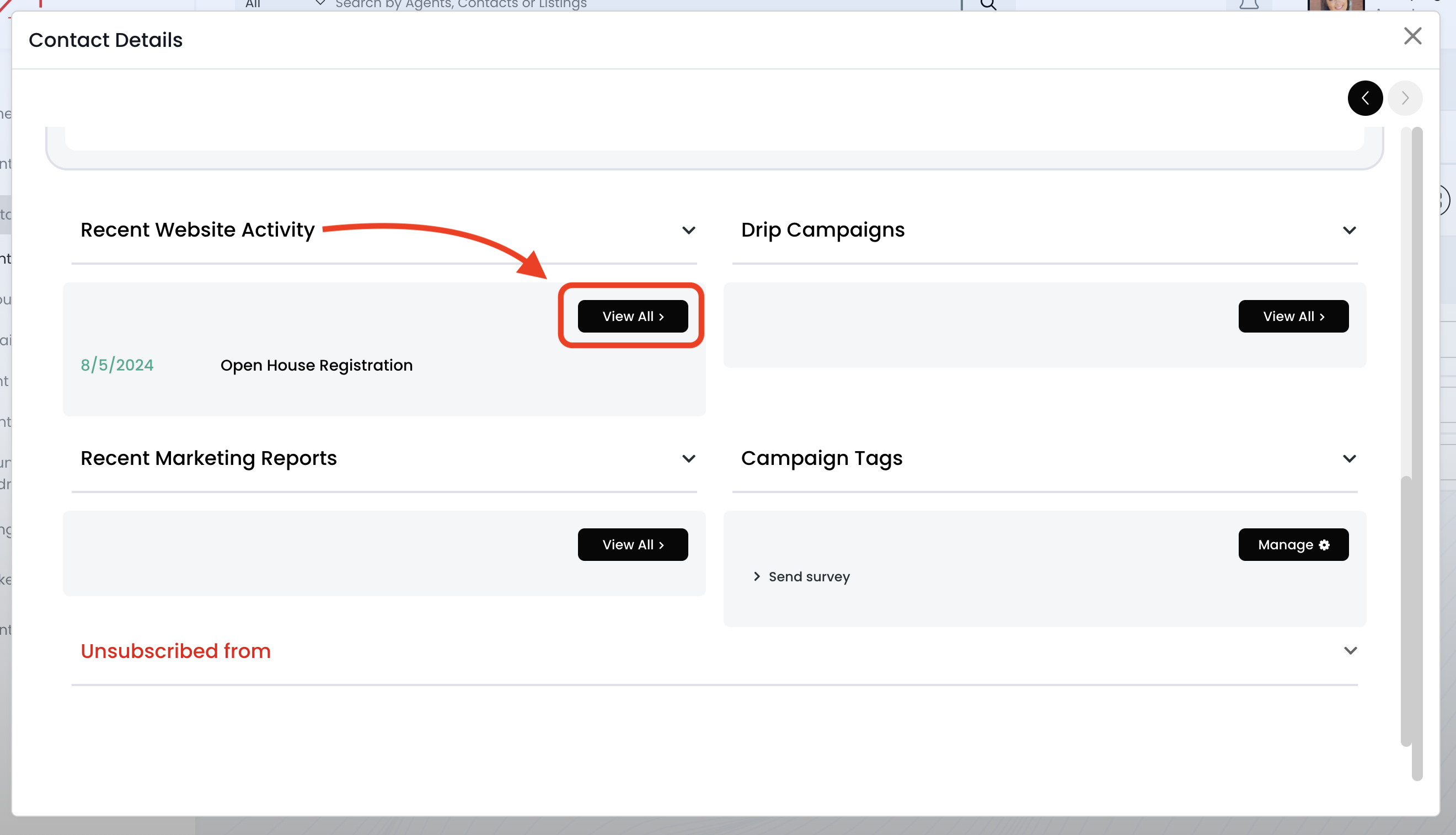
6.) Scroll down to the "Recent Website Activity" section and click on the View All button
7.) Now you can see all the information under the "New Requests" section
- Feedback --> Under the "Remarks" field
- Working with a broker --> Under the "Details" field
- How'd you hear about open house --> Under the "Details" field