Filters: Find Open House Registrants

May 27, 2025
 16
16
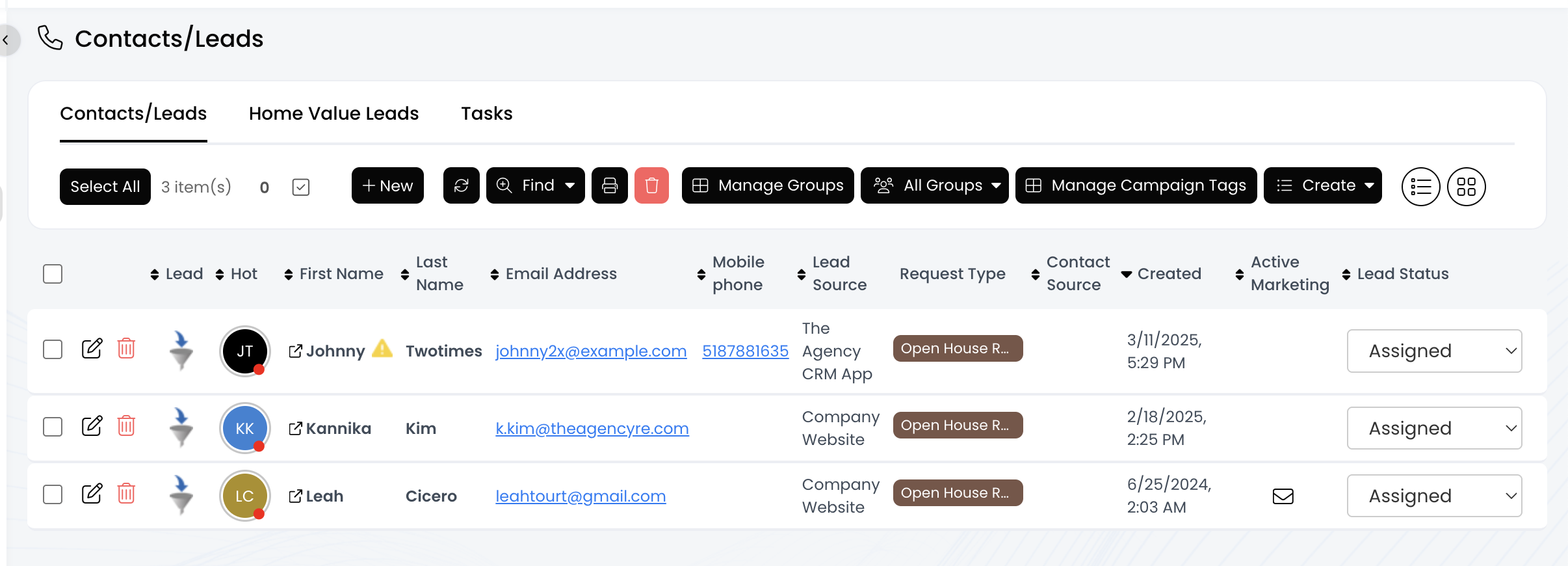
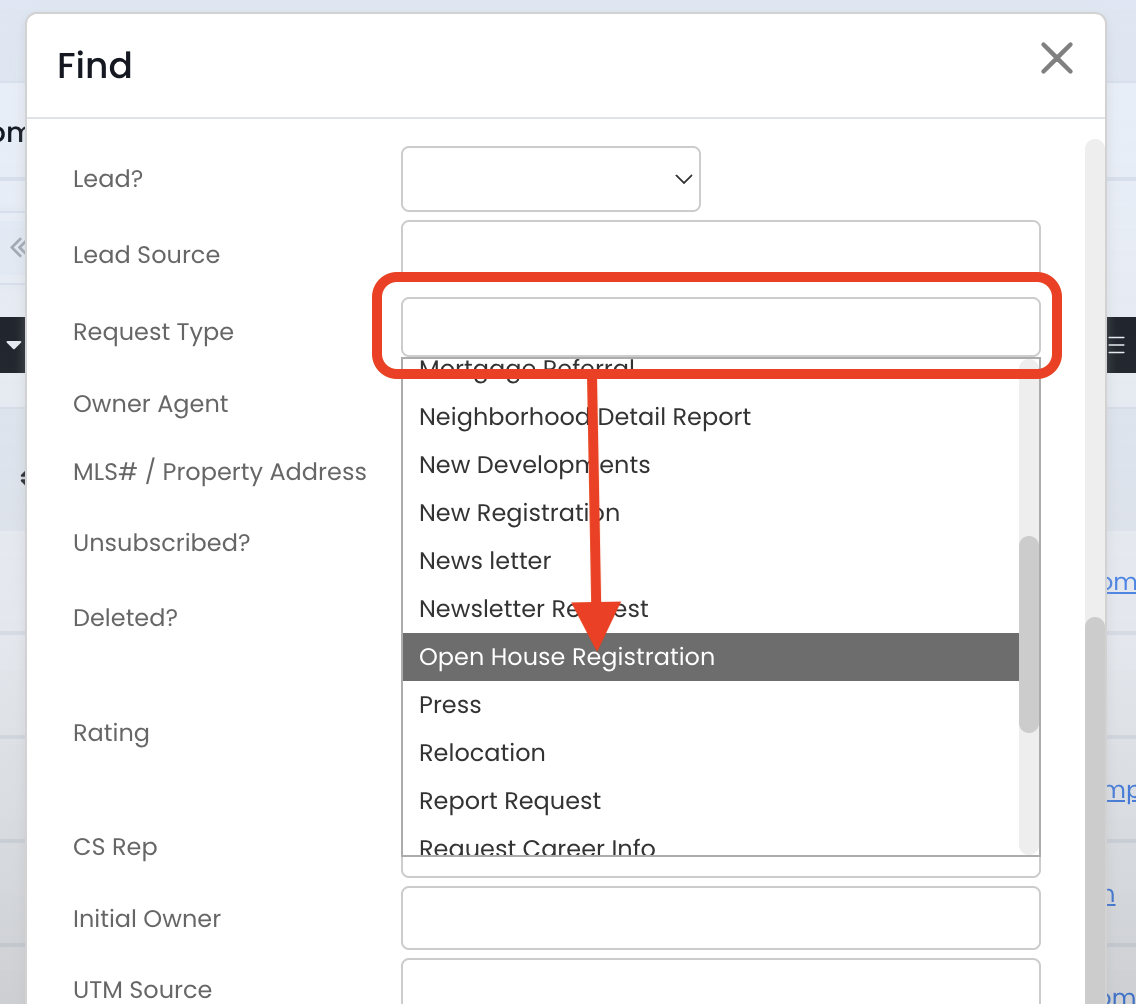
After a visitor submits the Open House Registration, APT creates a contact with all the information from those questions. Use the "Request Type" field to view a list of people who submitted an open house registration form.
To find this information:
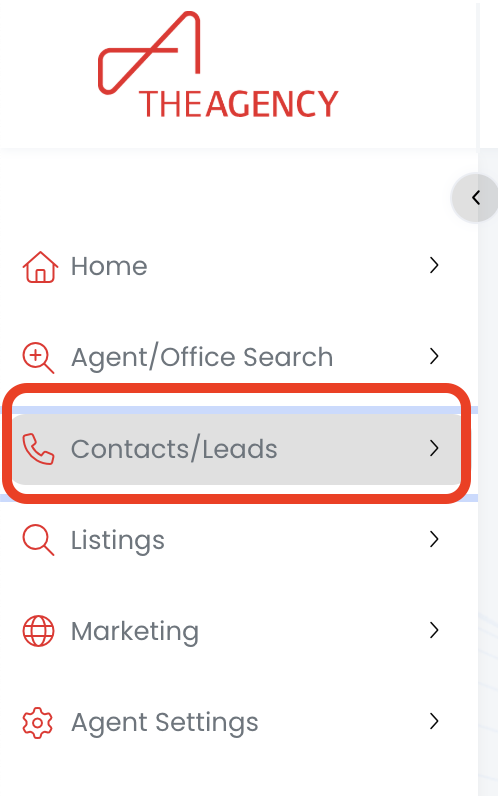
1.) Click on the Contacts/Leads menu
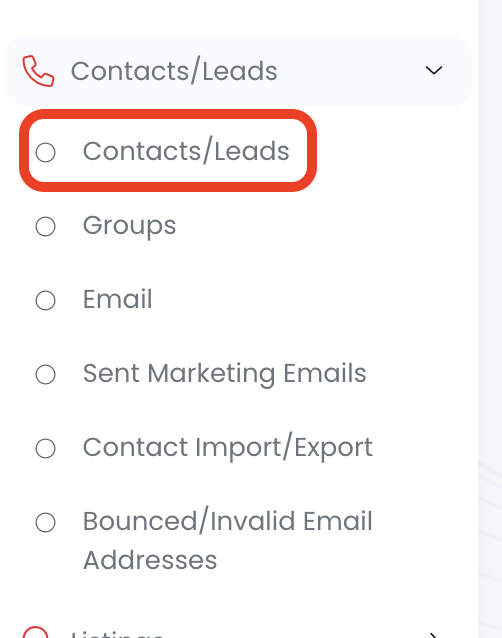
2.) Click on the Contacts/Leads option
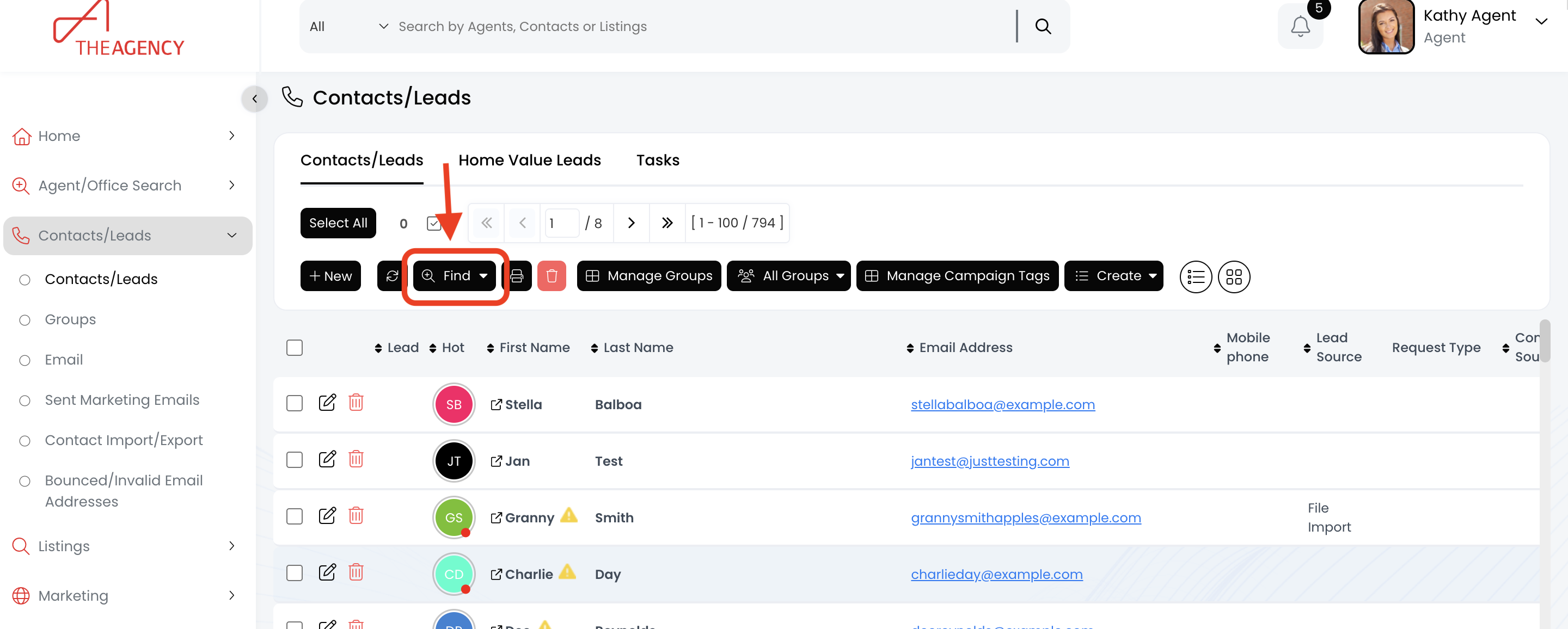
3.) Click on the Find button
4.) Scroll down and click on the Request Type field. Then, click on the Open House Registration option
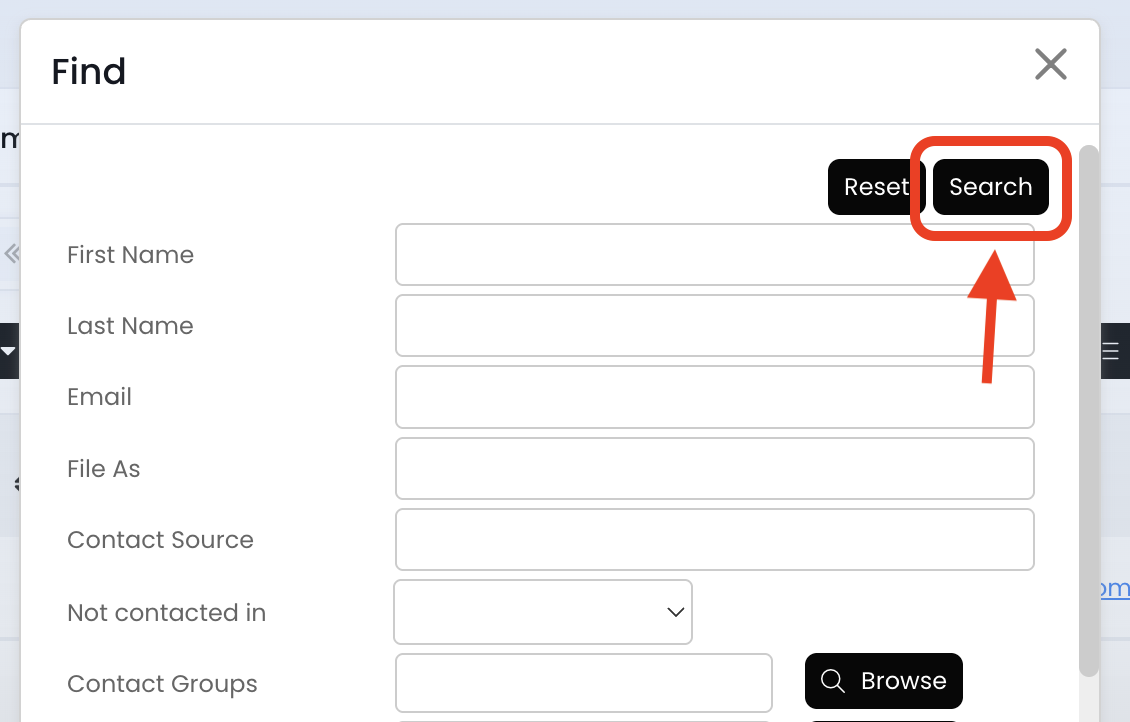
5.) Scroll up and click on the Search button
6.) Now you're viewing all of your open house visitors!