Drip Campaigns: View Schedule & Content

May 29, 2025
 3
3
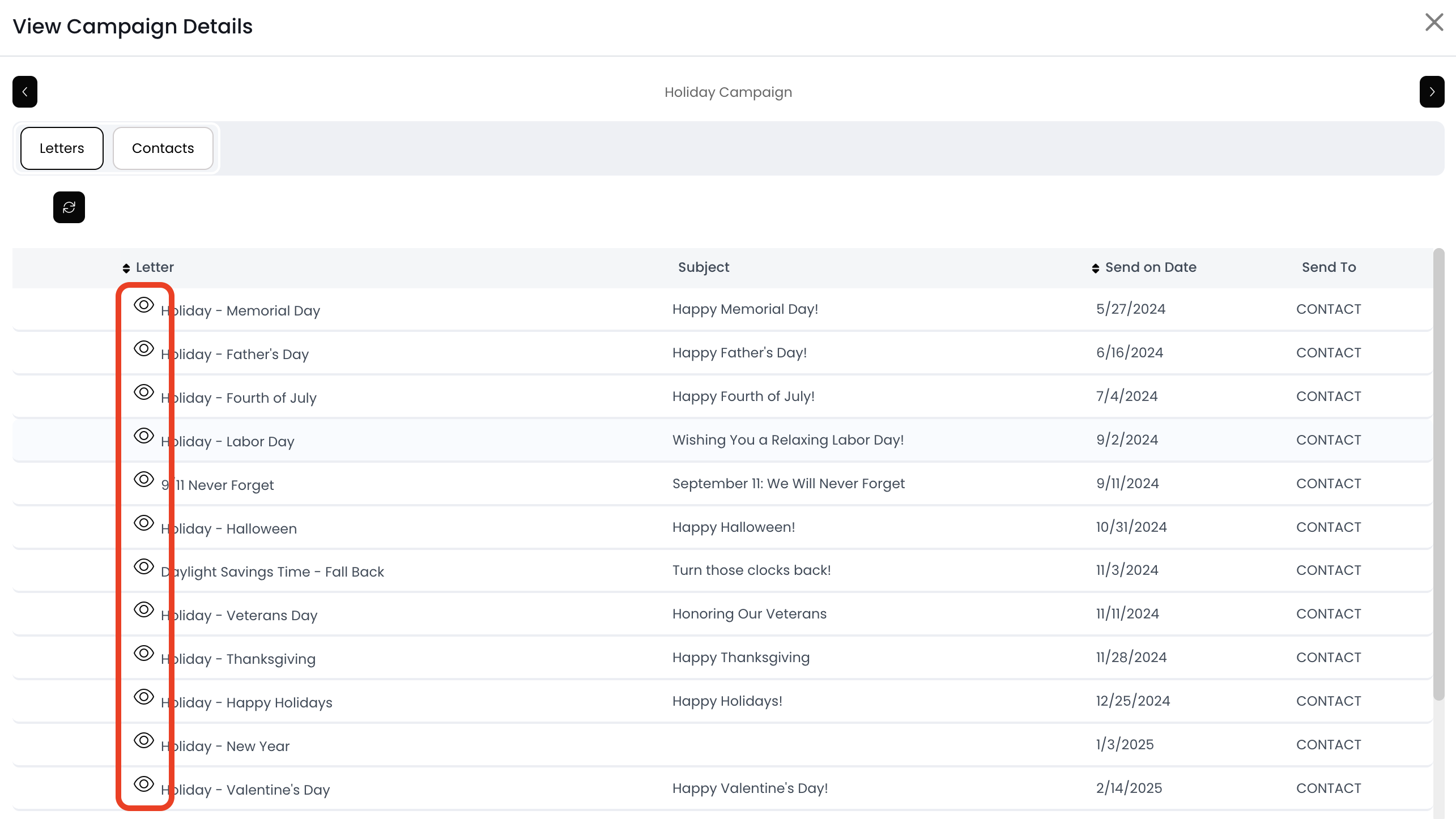
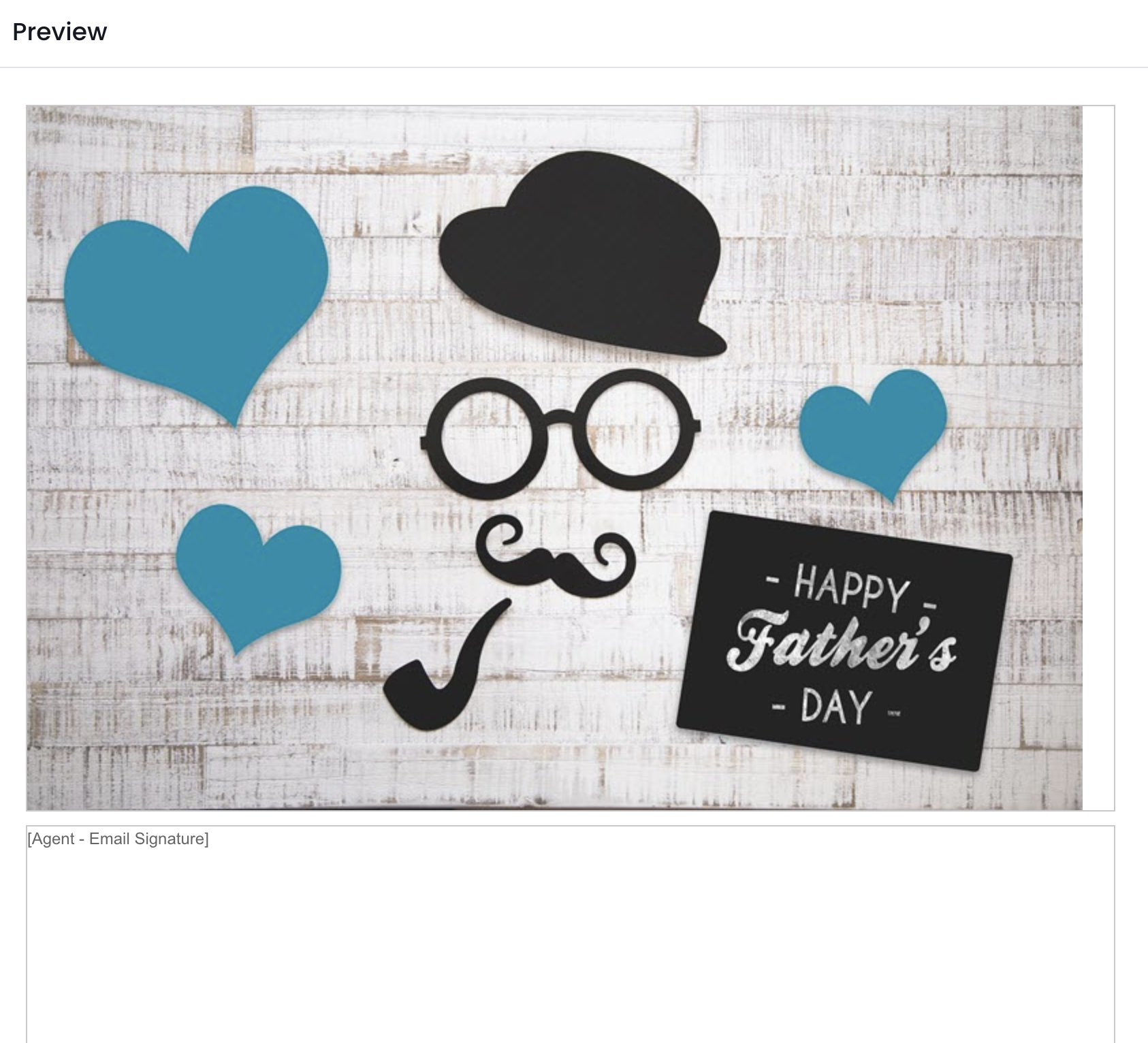
You can find the schedule of drip emails on the Campaign Details page! You can also view the content of each drip email by clicking on the eye icon.
📺 Click here to watch a video tutorial 📺
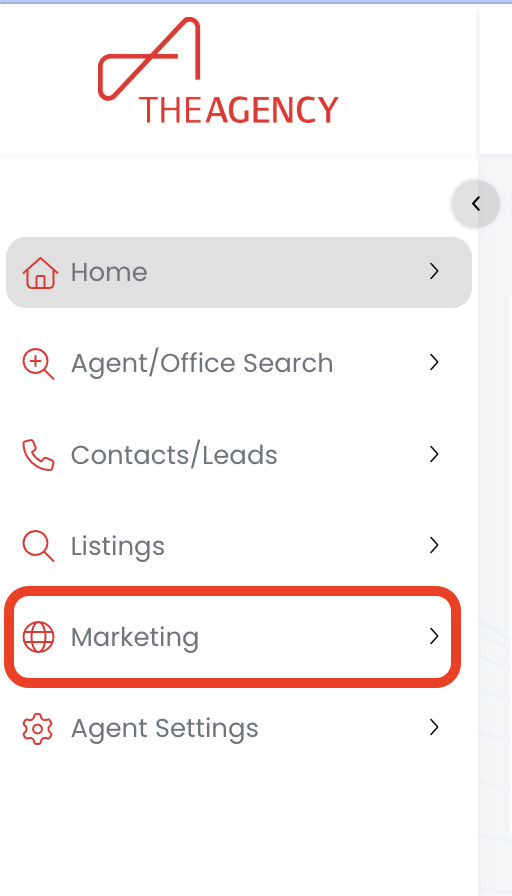
1.) Click on the Marketing menu
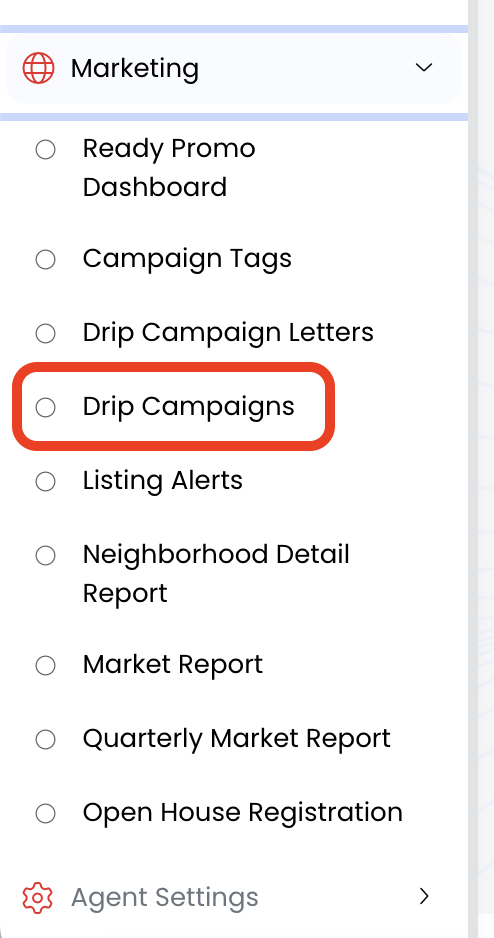
2.) Click on Drip Campaigns
3.) Click on the drip campaign name (in blue)
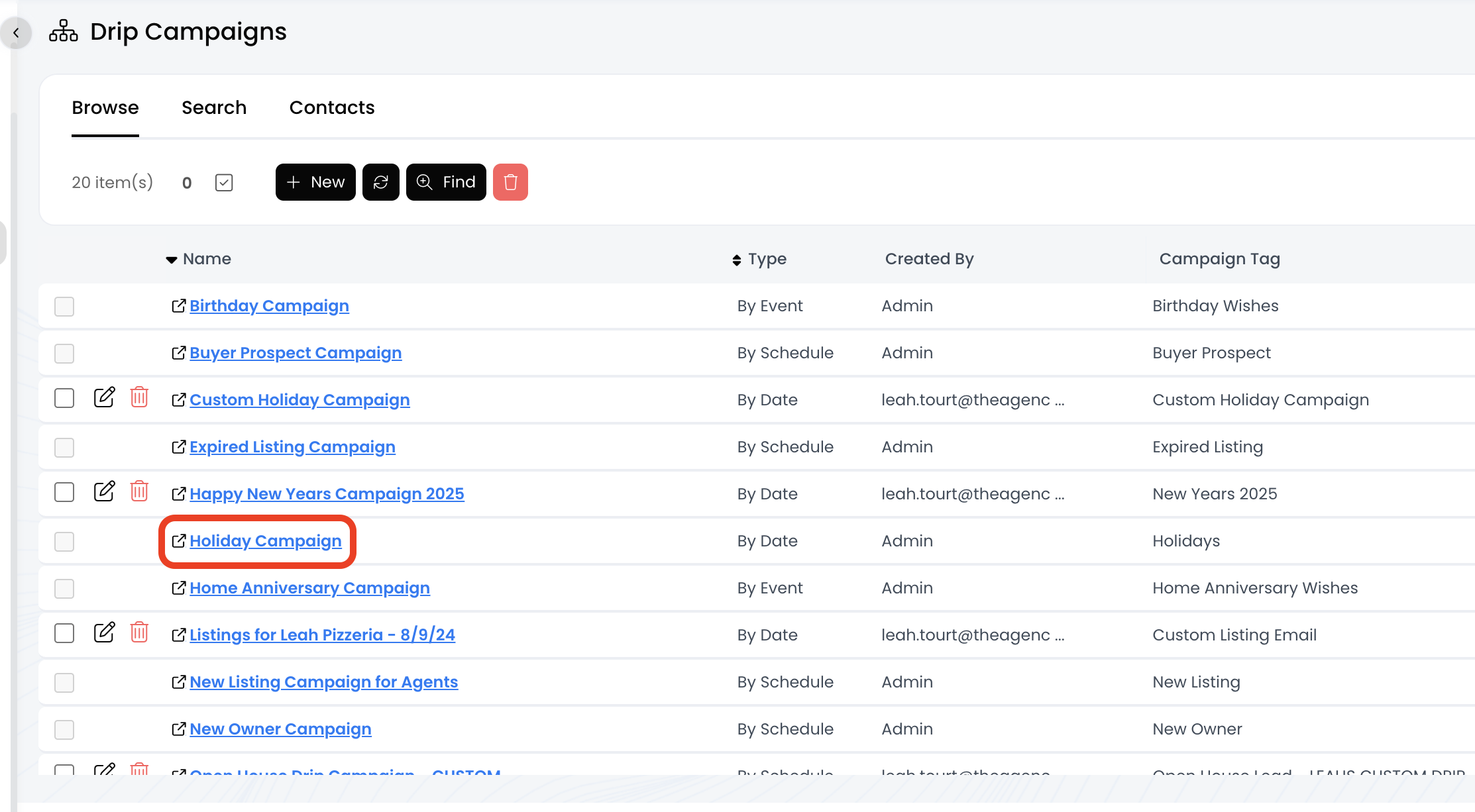
4.) Now you can see all the emails associated with this campaign!
- To view the email content, click on the eye icon
- Emails will trigger on the "Send on Date"