


Contacts: Delete Multiple Contacts

May 29, 2025
 19
19
Use the checkboxes to select multiple contacts and hit the trash can icon at the top middle of the page. You can move to the next page by clicking the arrow toward the top of the page.
📺 Click here to watch the video tutorial 📺
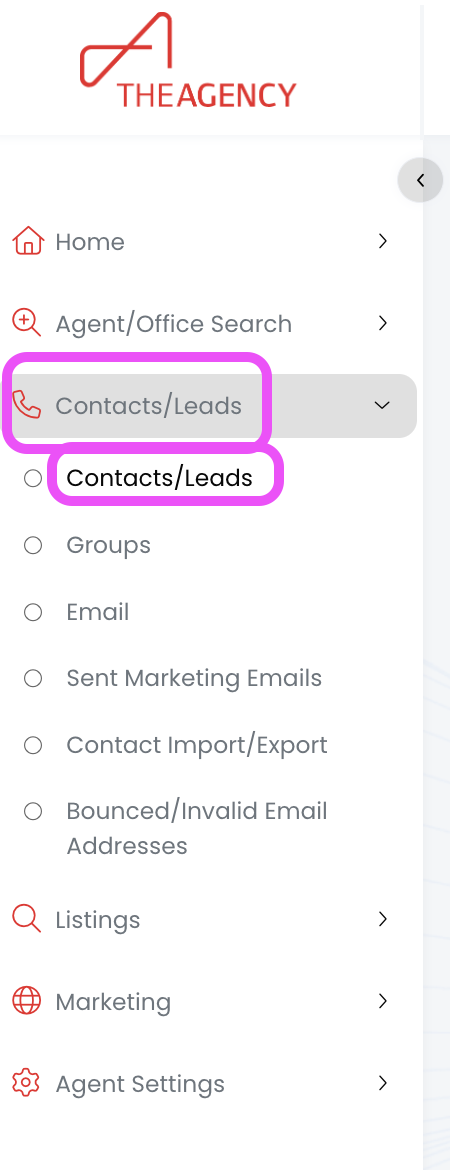
1.) From the left side menu, click on Contacts/Leads, and then click on Contacts/Leads again
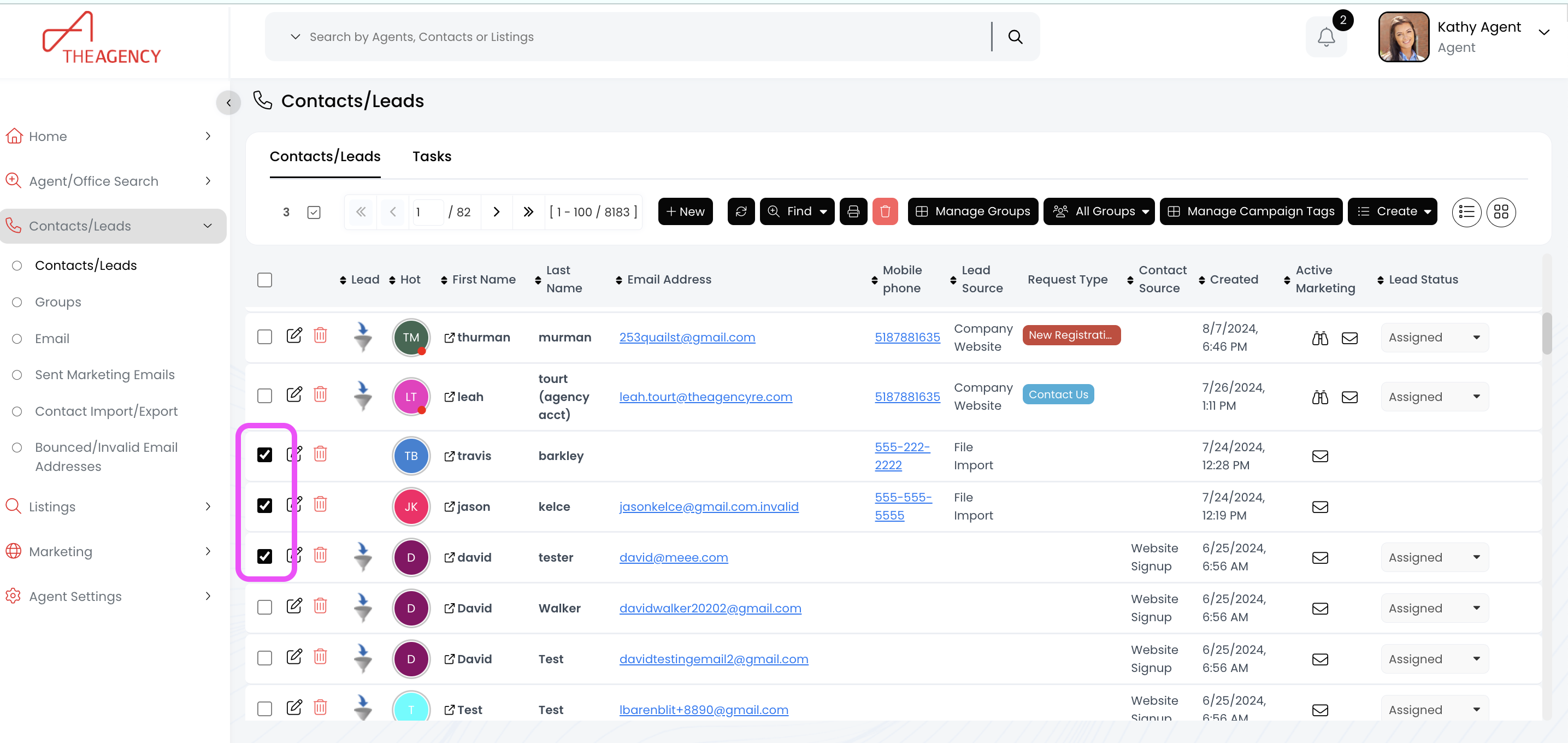
2.) Click the checkbox for each contact you want to delete on this page (100 contacts per page).
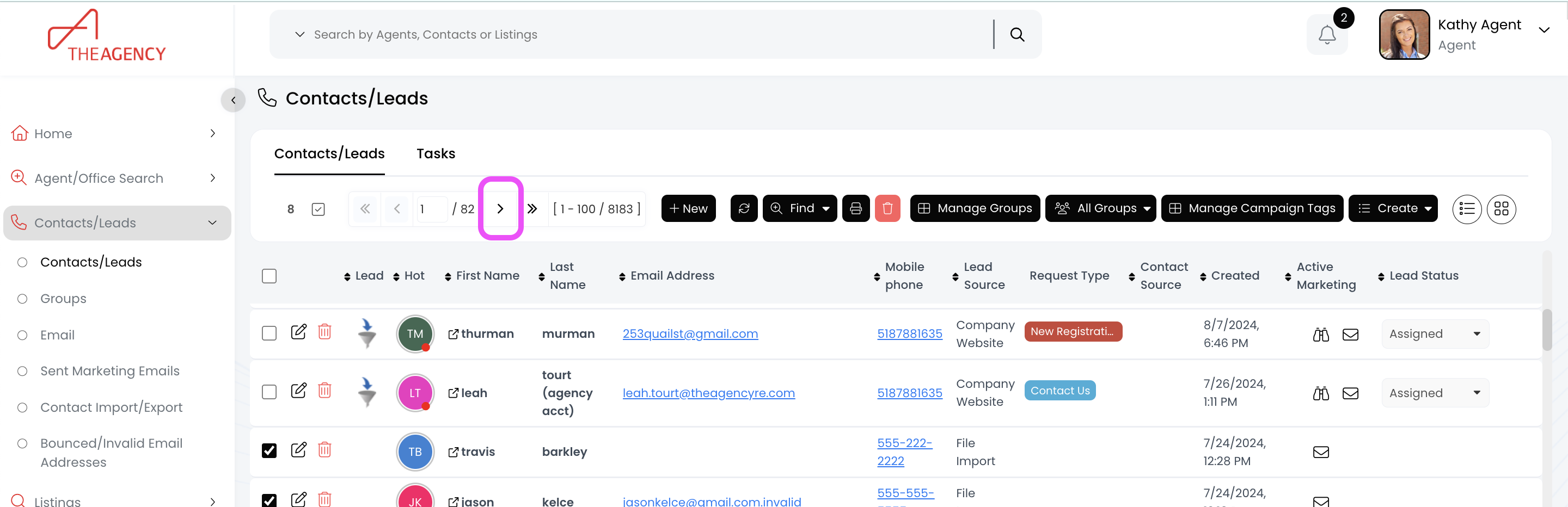
- To select more contacts on other pages: Click on the arrow icon to move to the next page.
- Don't worry: Selected contacts on the previous pages will stay selected!
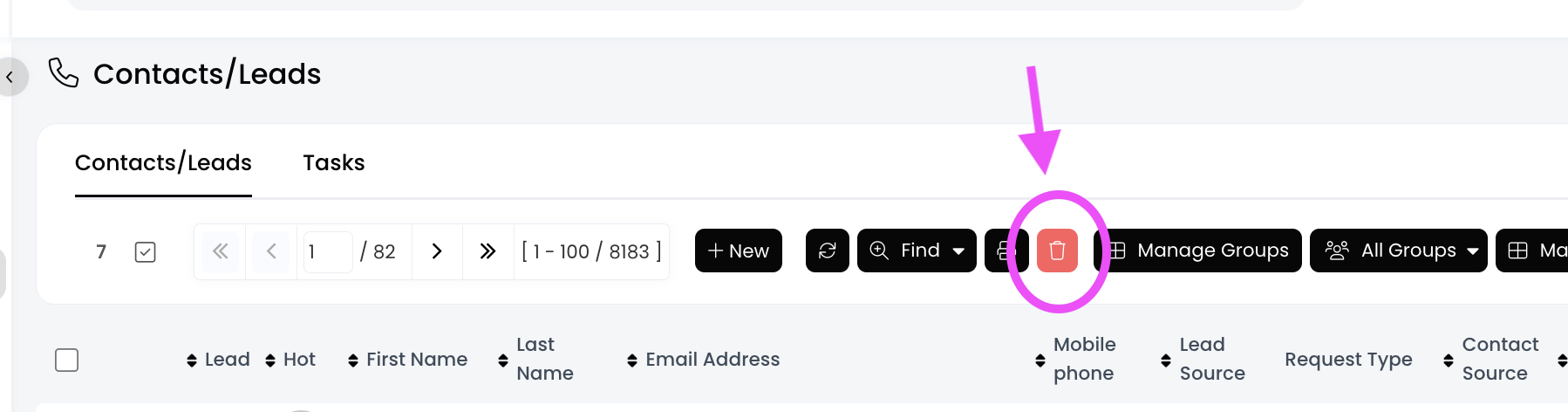
3.) Click the trash can icon at the top middle of your page
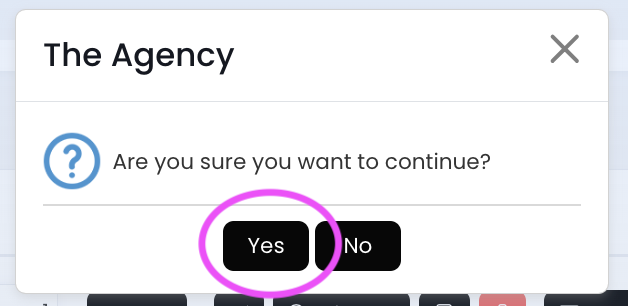
4.) Click on Yes
All of these contacts have been deleted!

