


Filters: View All Contacts/Leads

May 29, 2025
 19
19
Go to the Contacts/Leads page to view your contact list!
📺 Click here for the video tutorial 📺
1.) From the left side menu, click on Contacts/Leads, and then click on Contacts/Leads again
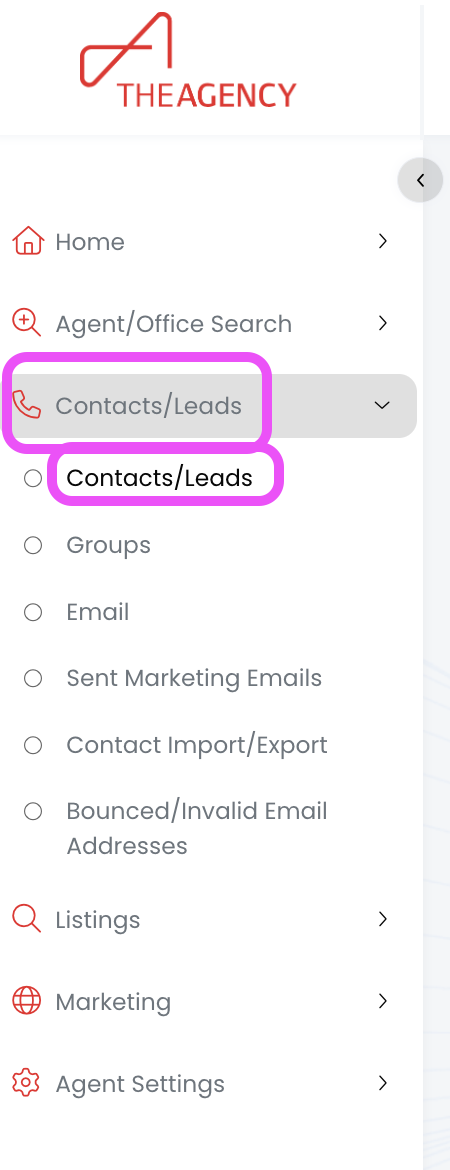
Now you're viewing all of your contacts and leads!
*** If contacts are missing, you may still have some filters applied from a previous session. Follow these steps to clear out those filters ***

