


Filters: Clear Filters on the Contacts/Leads Page

May 29, 2025
 32
32
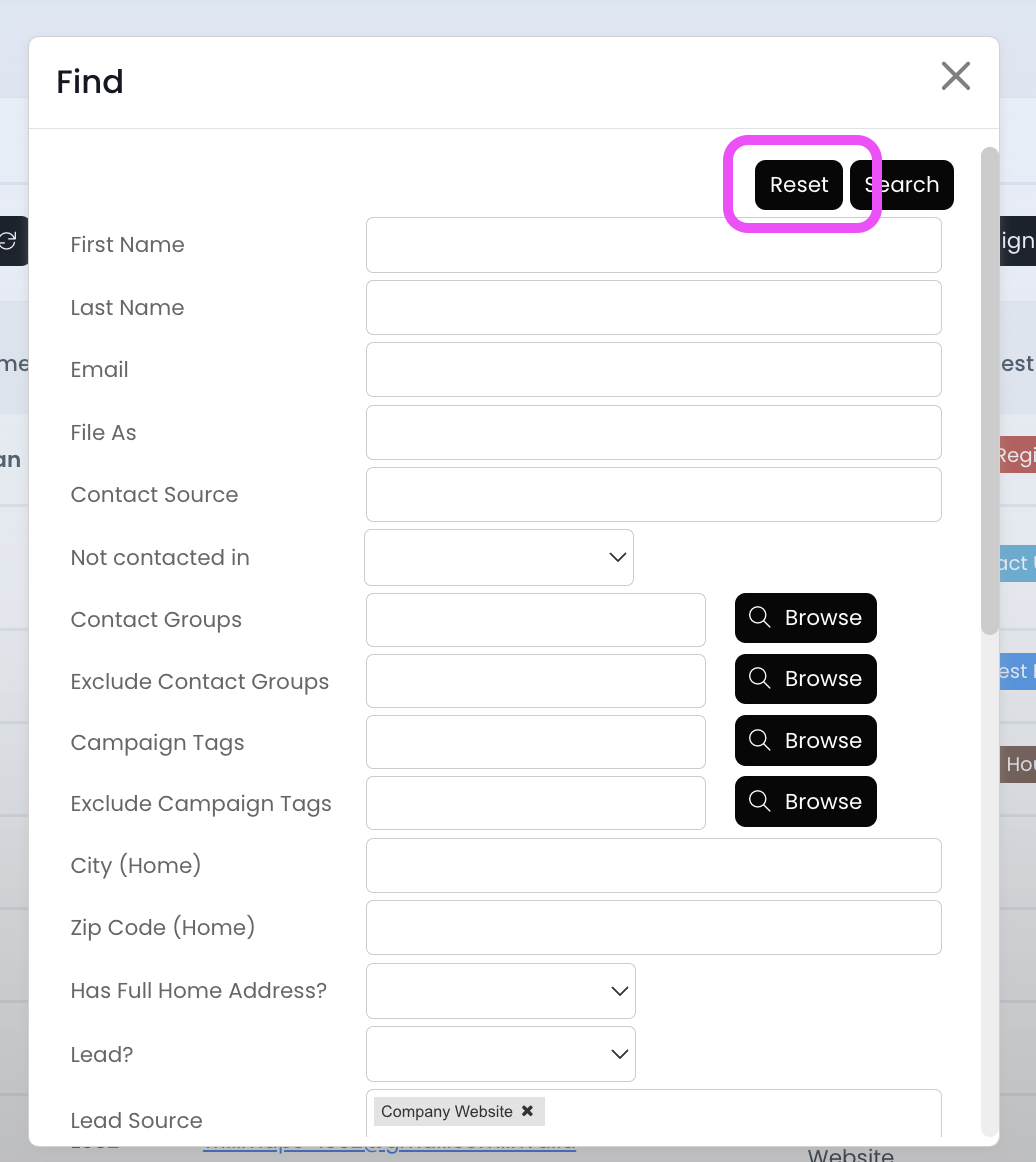
Remove filters from a previous session by clicking on the Find button and then the Reset button.
📺 Click here to watch the video tutorial 📺
1.) Make sure you're on the Contacts/Leads page, and then click on the Find button
2.) Click on the Reset button (to remove all filters)
3.) Click on the Search button
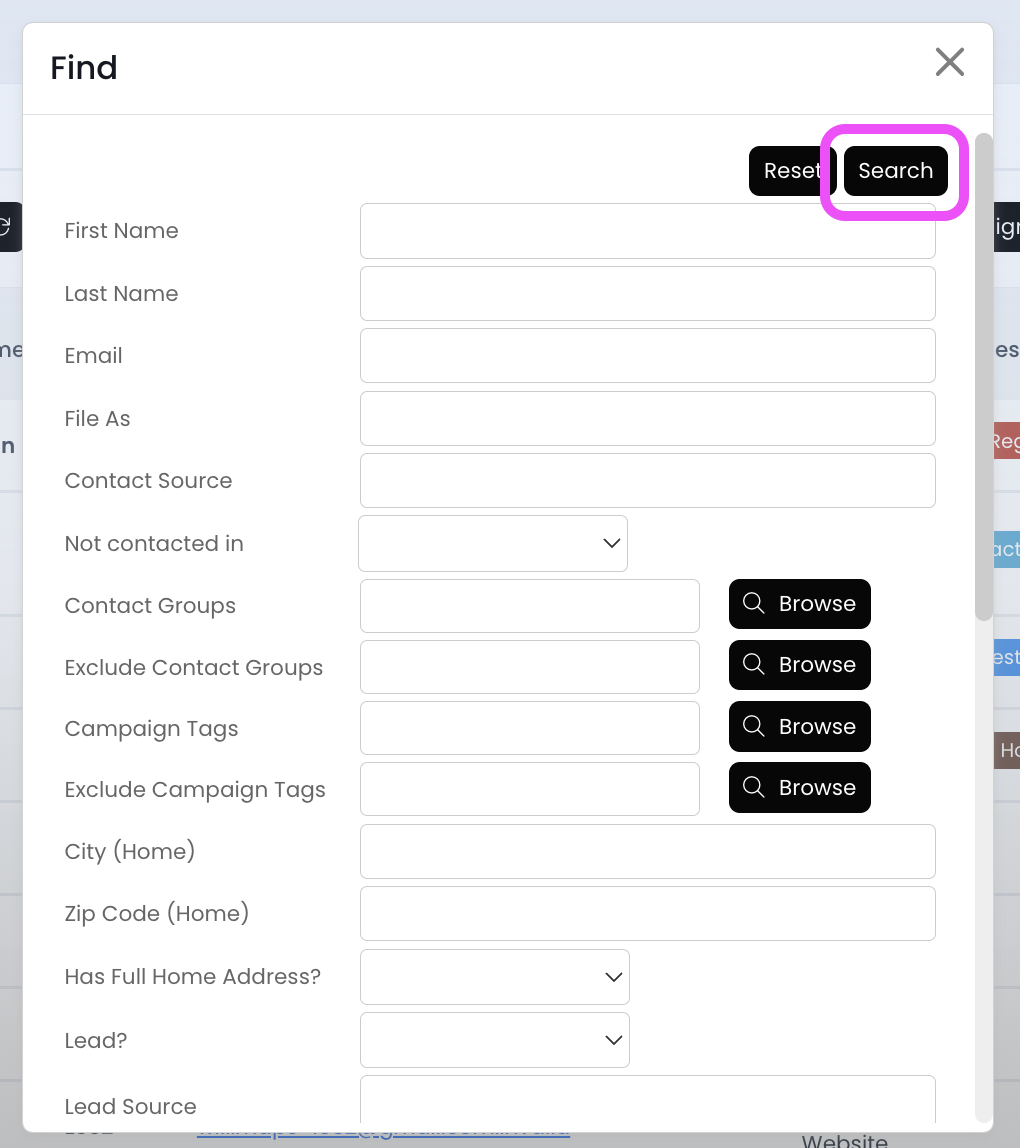
Now all filters have been removed, and you should see your full contact list again!

