


Contacts: Edit an Existing Contact/Lead

May 29, 2025
 32
32
Use the pencil icon to update the information on a contact or lead.
📺 Click here to watch the video tutorial 📺
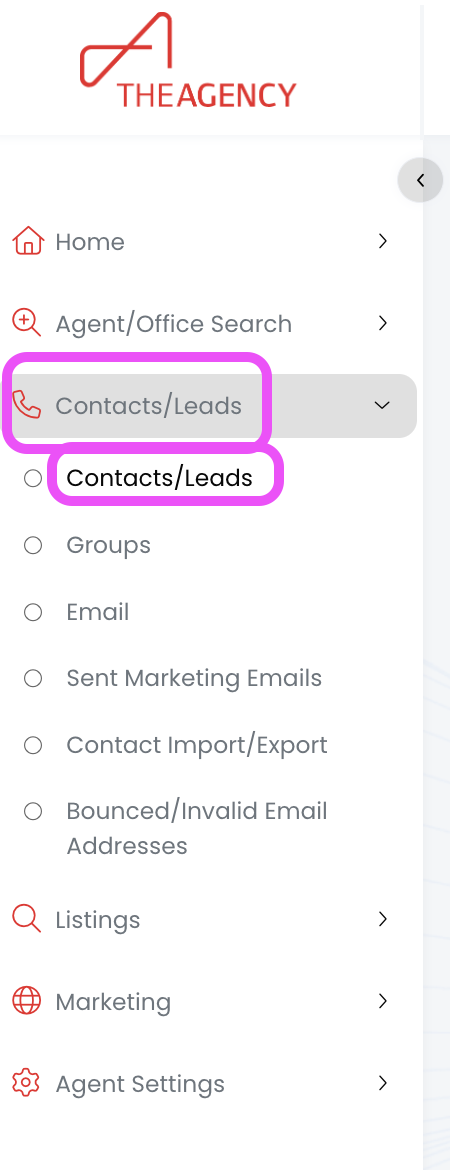
1.) From the left side menu, click on Contacts/Leads, and then click on Contacts/Leads again
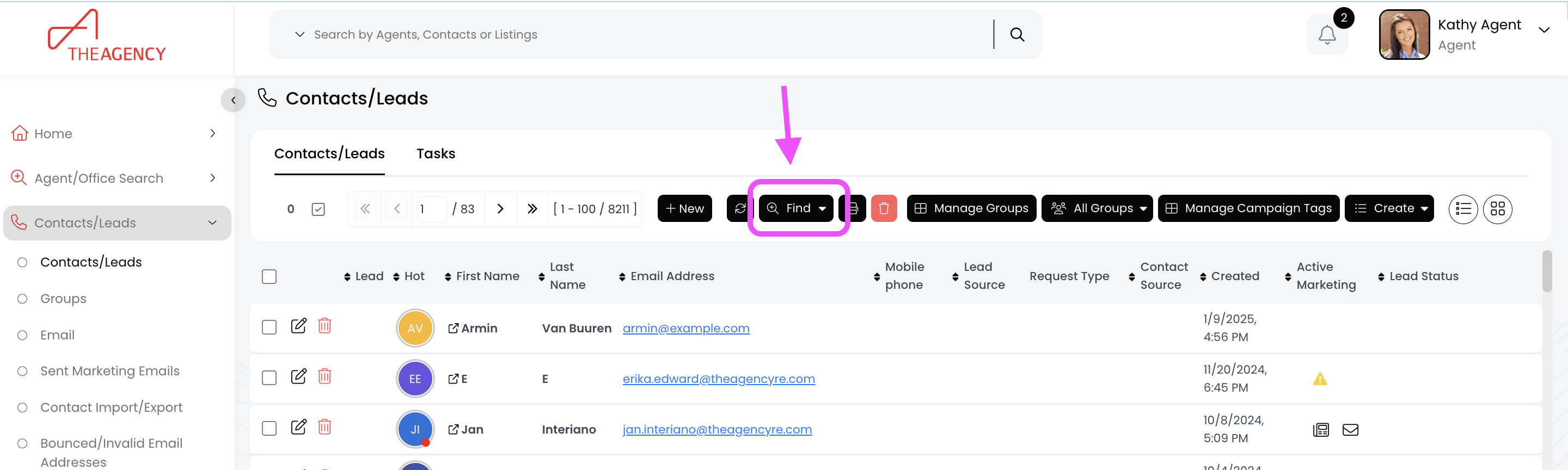
2.) Click on the Find button (top middle)
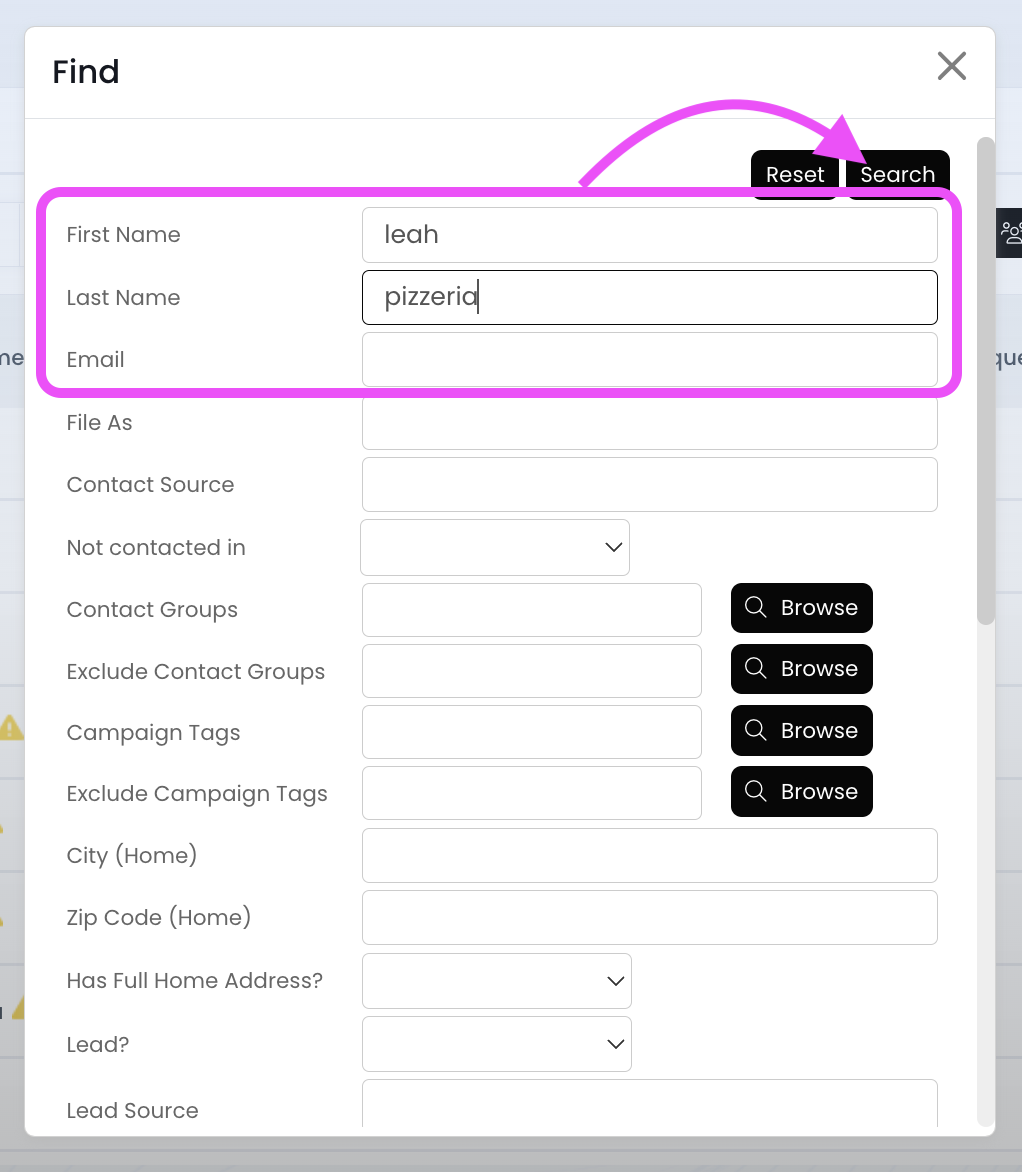
3.) Search for the contact using the first name, last name, or email fields and then hit Search
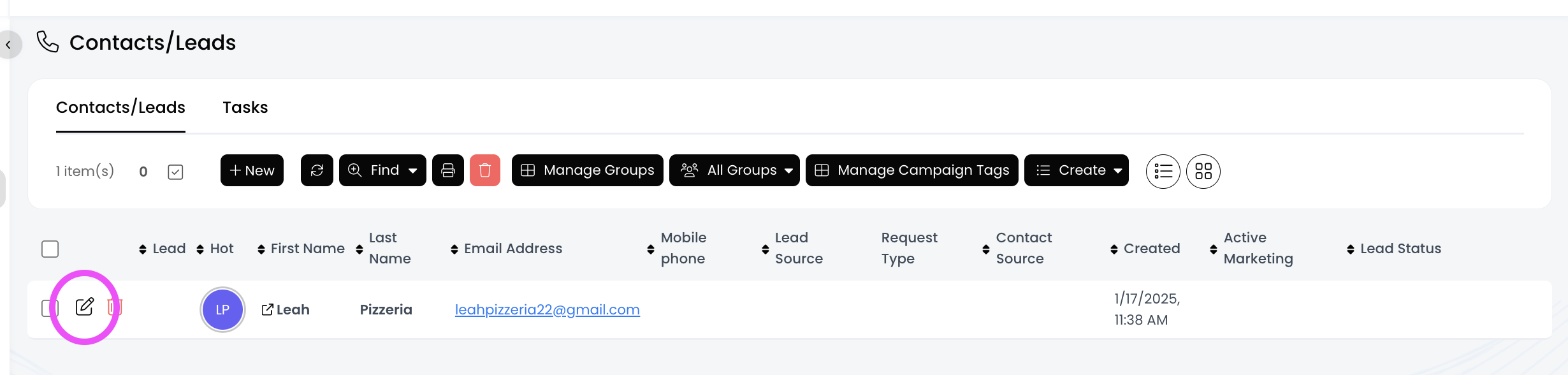
4.) Click on the pencil icon
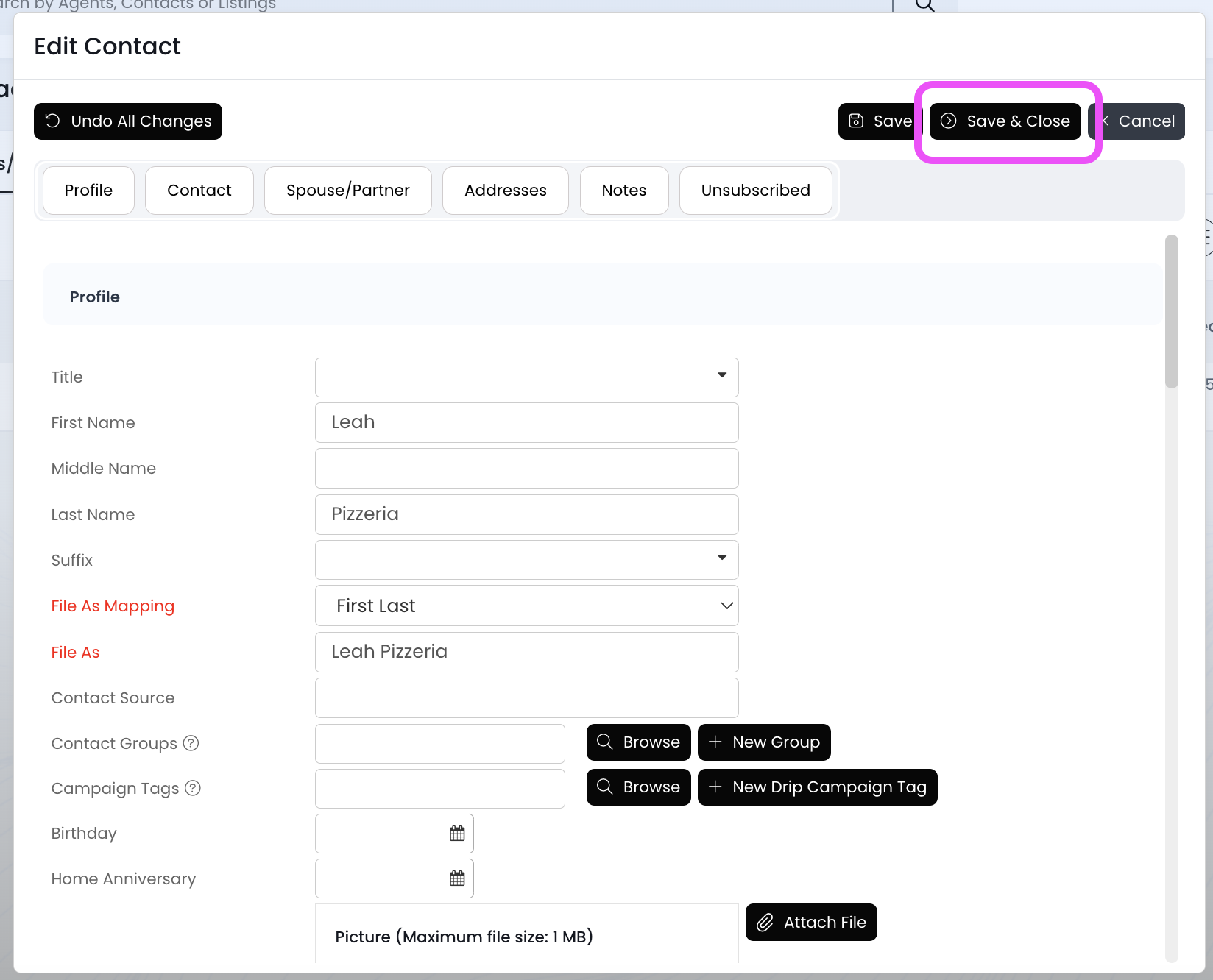
5.) Make your updates, and then click on the Save & Close button
Now the contact information has been updated!

