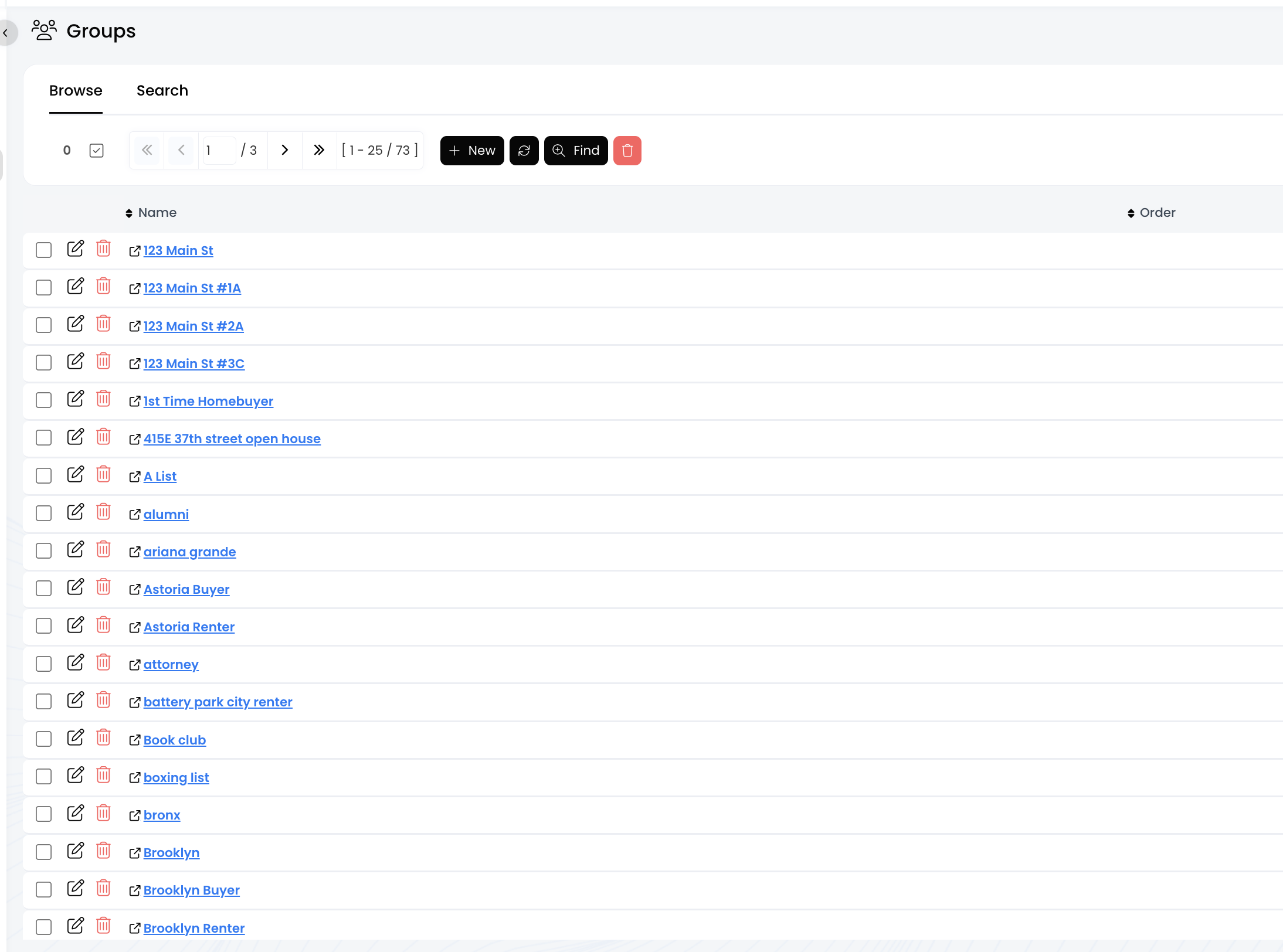

Groups: View All of Your Contact Groups
Last updated: May 29, 2025
20
views

Go to the Groups page under the "Contacts/Leads" menu to view all the groups you've created thus far in APT.
📺 Click here to watch the video tutorial 📺
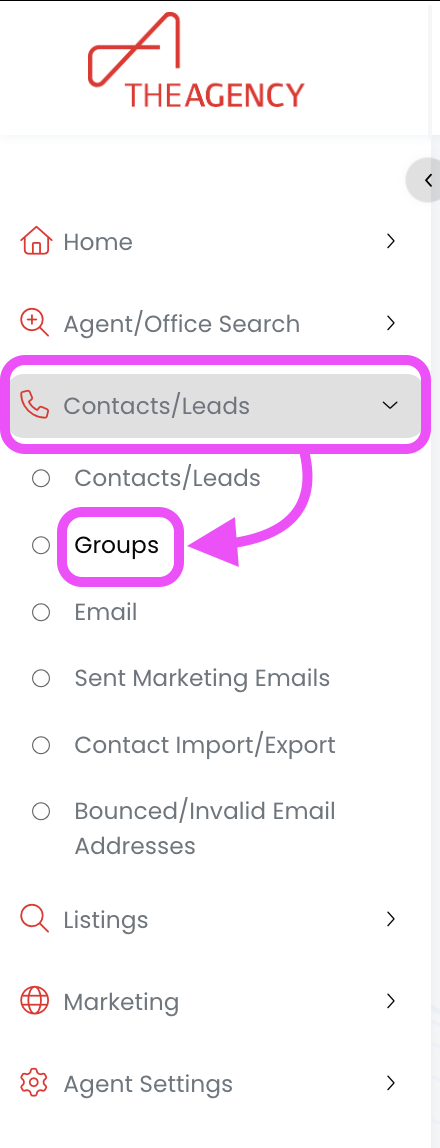
1.) From the left side menu, click on Contacts/Leads, and then click on Groups
2.) Now you're viewing all the current groups you have in APT!